Burning Bridges

Hotel Lobby AI Video Generator

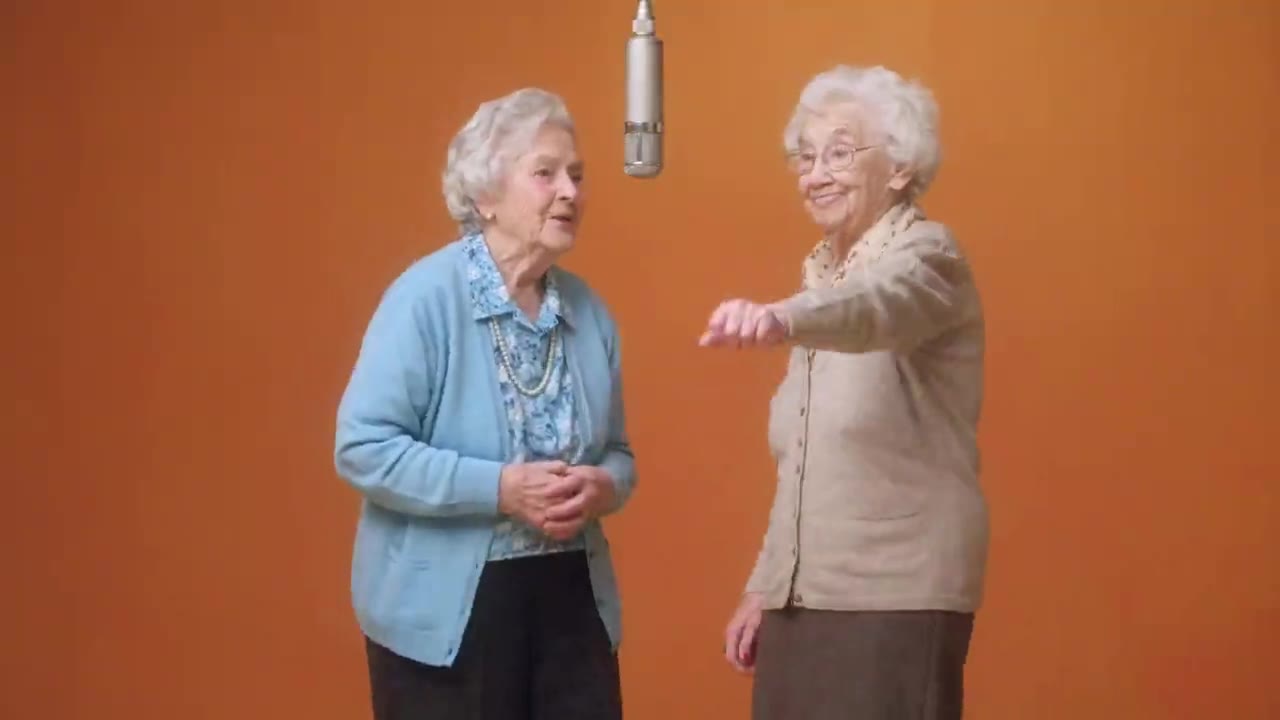
Turn two character photos into a Hotel Lobby AI duet. Add your left and right performers and use the ready-made performance; your video keeps the reference audio.

Create a video
Hotel Lobby23s · Original soundtrack
@Image 1
@Image 2

生成即表示你有权使用这些照片,并接受使用政策。

Open library作品库

What is Hotel Lobby AI?

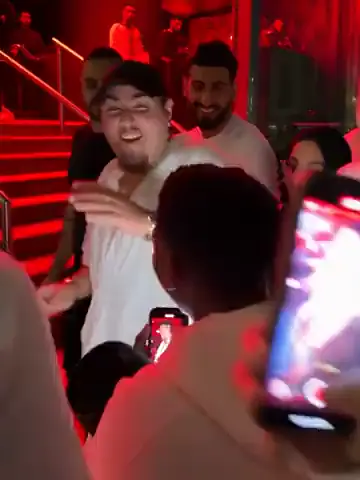
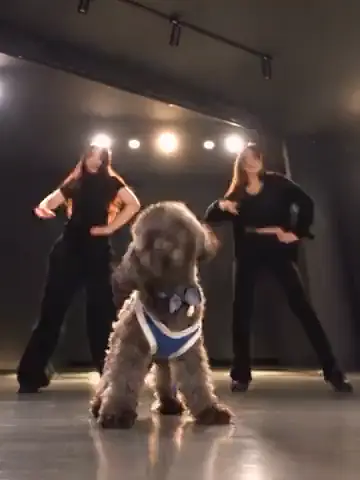
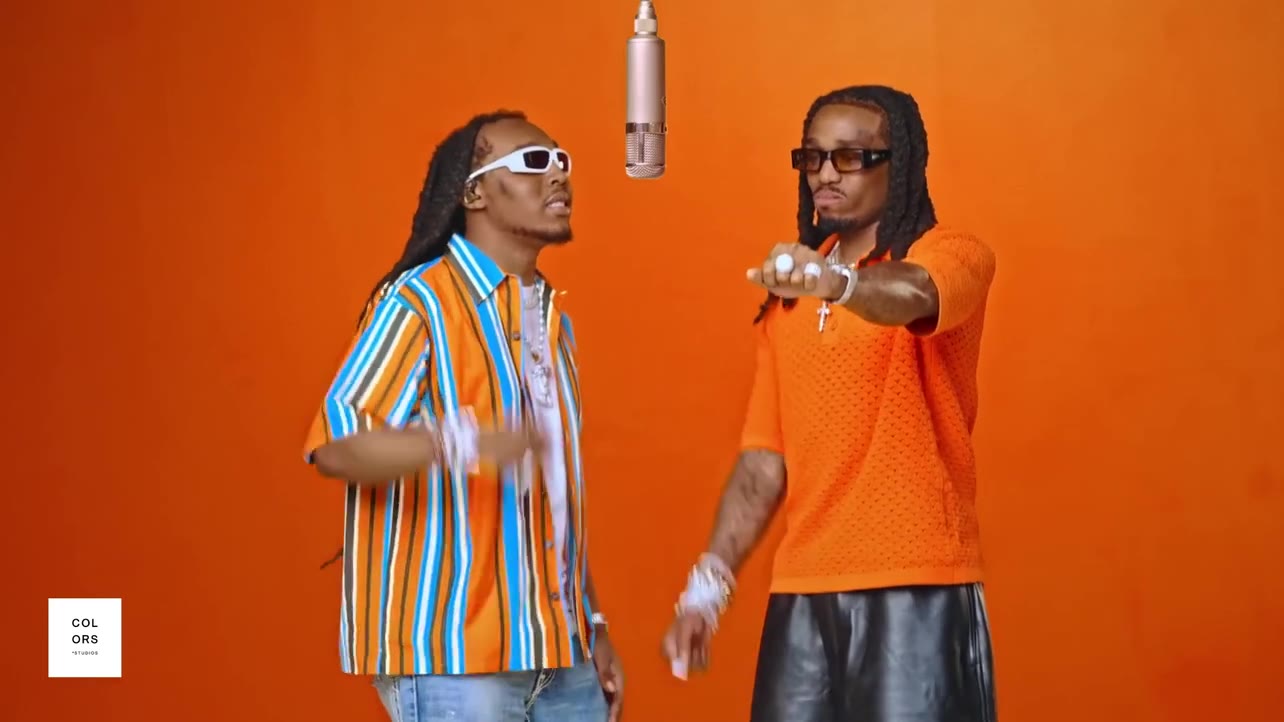
Hotel Lobby AI recreates the two-person, COLORS-style studio performance with characters from your photos. A bold orange room, a hanging microphone and conversational gestures define the scene. Your two images supply the performers; the ready-made video supplies the movement and camera. Start with two clear photos and make your own version of the duet without recording a thing. Community remixes — pets, friends, playful parodies — show how far the casting can go.

How to make a Hotel Lobby AI video

  1. 01

    Preview the template

    Watch the Hotel Lobby AI example and the reference clip. The default setup uses the full performance with a 23-second output, and you can review it before adding photos.

  2. 02

    Upload both performers

    Add Photo 1 for the left performer and Photo 2 for the right — one person per image — and check both previews. Use Replace whenever you want to change a character.

  3. 03

    Generate and review

    Adjust Settings, check the credit estimate and sign in to generate. Your Hotel Lobby AI video appears in My creations, ready to play and download.

Make the Hotel Lobby duet your own

Choose the person on the left

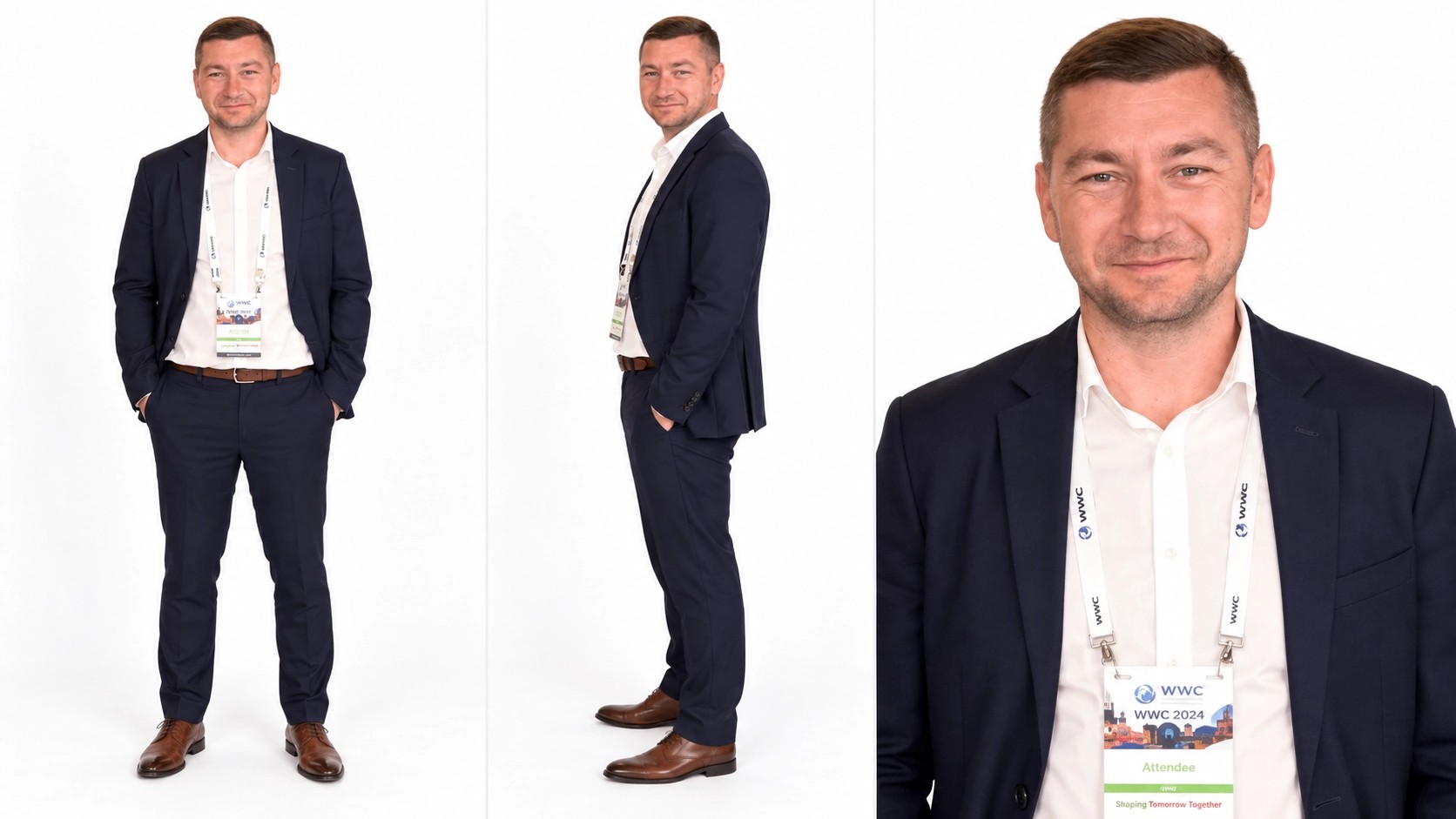
Photo 1 supplies the left performer. Use a clear image of one person with a visible face, hairstyle and outfit; a waist-up or full-body view gives more detail for standing gestures than a tight face crop.

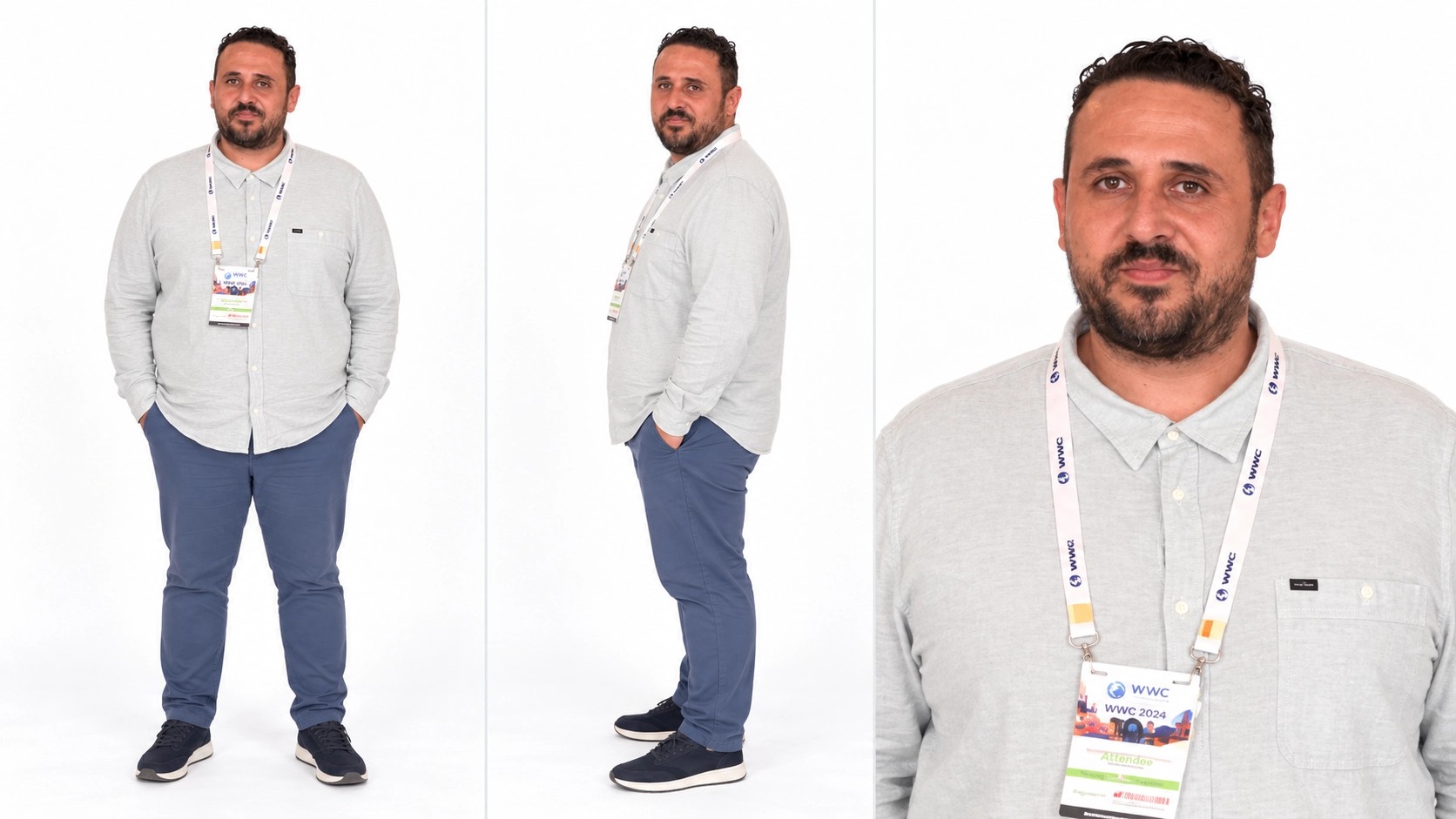
The example character sheets shown here have useful detail, but a single photo is enough. Use Replace to try a new look while keeping the other performer in place.
Give the duet a second character

Photo 2 supplies the right performer. A separate image gives Hotel Lobby AI a clear reference for each role, and distinct outfits with unobstructed faces make the pair easier to tell apart.

Different photo backgrounds are fine — the template provides the studio. Check both previews before generating, especially with similarly dressed characters.

Choose the person on the left

Two familiar faces, one recognizable performance

Make a playful duet with yourself and a friend, pair two original characters or try a new look for a recurring creative duo. Hotel Lobby AI always starts from the same performance, so you focus on casting rather than describing a whole scene.

Watch the community examples to decide whether the gestures and studio setting suit your idea before you spend credits.

Ready-made performance instructions

Hotel Lobby AI prepares the role and motion instructions automatically. Add a person to each labeled slot, check the previews and you're done — no prompt to write, no studio to describe.

The result follows the loaded performance, including its length and framing; there's no separate duration control.

Two familiar faces, one recognizable performance

Resolution, audio and review

Choose 480p, 720p or 1080p. Higher resolution changes the estimate and file detail, but doesn't guarantee a closer identity or movement match.

Your Hotel Lobby AI video includes the original performance soundtrack. Switch from Examples to My creations to follow the job, then check both characters across the whole clip before downloading or trying another pair.

Use it responsibly

Use photos you're allowed to transform, and get permission from the people shown. Parodies of public figures should stay clearly playful and lawful.

Template access doesn't grant rights to republish the reference footage or audio — check those before posting.

Resolution, audio and review

Hotel Lobby AI: your questions answered

How many photos does Hotel Lobby AI need?

Two — Photo 1 for the left performer and Photo 2 for the right, one person per image.

Which side does each photo replace?

Photo 1 is the performer on the left; Photo 2 is on the right. Check the previews before generating.

How long is a Hotel Lobby AI video?

About 23 seconds, following the full reference performance. There's no separate duration control.

Does it keep the original audio?

Yes, the finished video includes the performance soundtrack. Publishing rights are your responsibility.

Can I use pets or illustrated characters?

You can try any image you're allowed to edit, but the performance is built on human movement, so unusual anatomy may behave unpredictably.

Do I need to write a prompt?

No. Hotel Lobby AI prepares the role and motion instructions for you.

Does Hotel Lobby AI cost credits?

Generating needs an account with enough credits for the estimate beside Generate; previewing and uploading are free.

Where do I find my Hotel Lobby AI video?

In My creations or your video history, ready to play and download.

A new role in every scene

Choose your next AI trend

From solo performances to a full dance cast, find the scene for your next photo.

Start your Hotel Lobby AI duet

Pick a performer for each side, keep the orange-room performance and see your pair take the mic. Check the estimate, then create.

Try Hotel Lobby AI