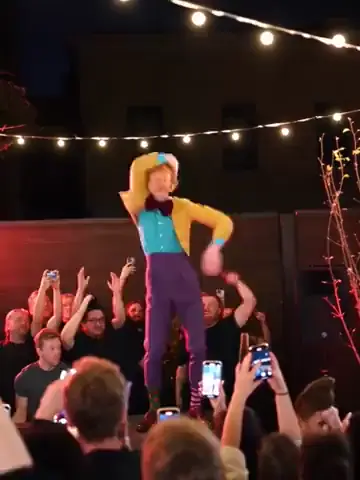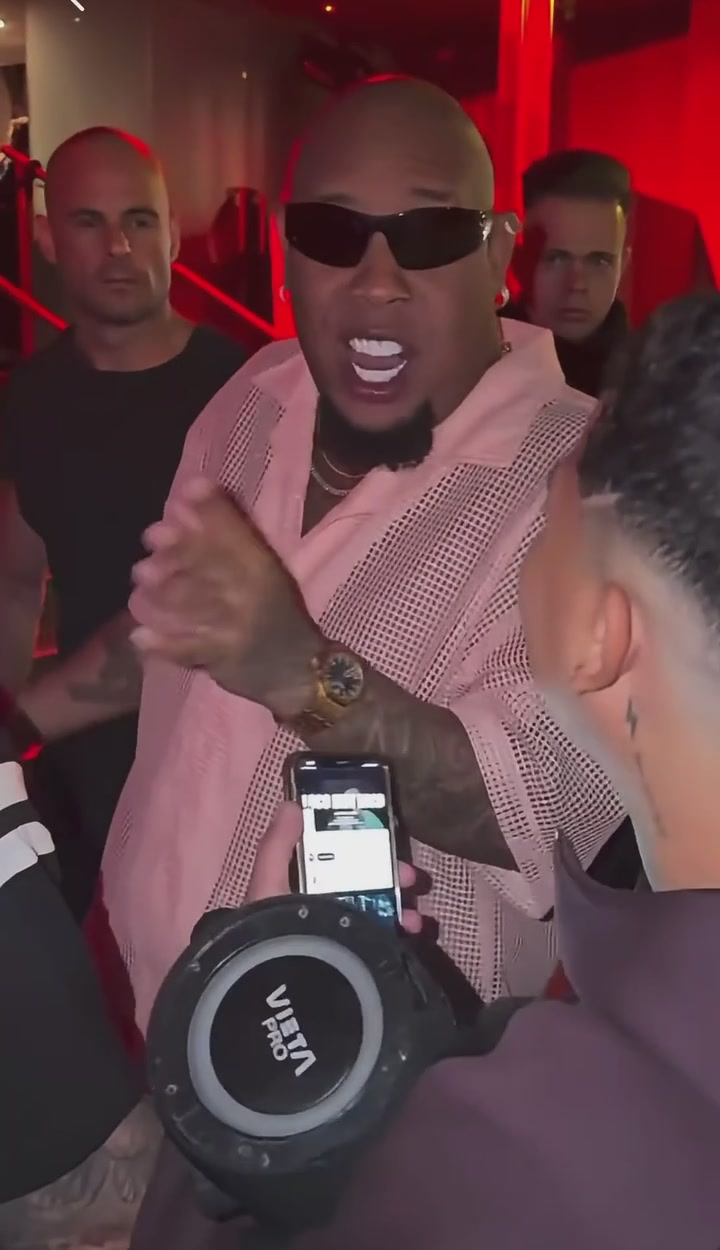
Burning Bridges

Bulin 47 AI Video Generator

Make a Bulin 47 AI video from a single character photo. Step into the packed-room performance with the original movement and sound.

Create a video
Bulin 4724s · Original soundtrack
@Image 1

生成即表示你有权使用这些照片,并接受使用政策。

Open library作品库

A new lead in the Bulin 47 AI scene

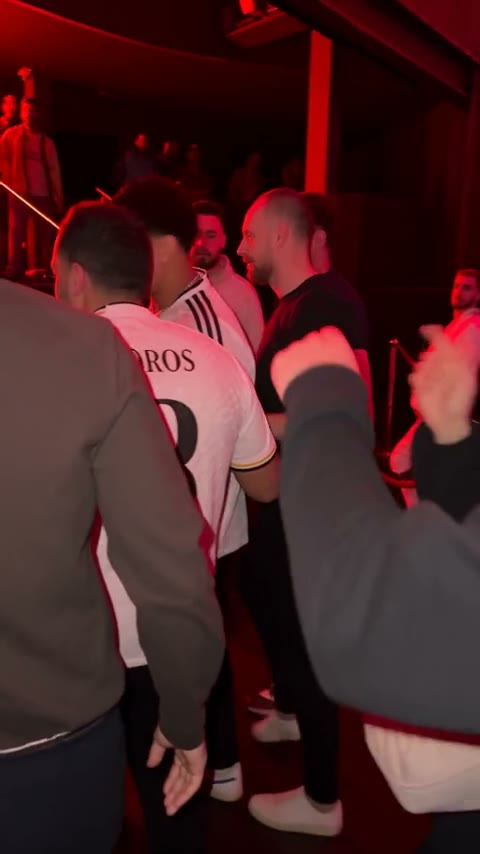
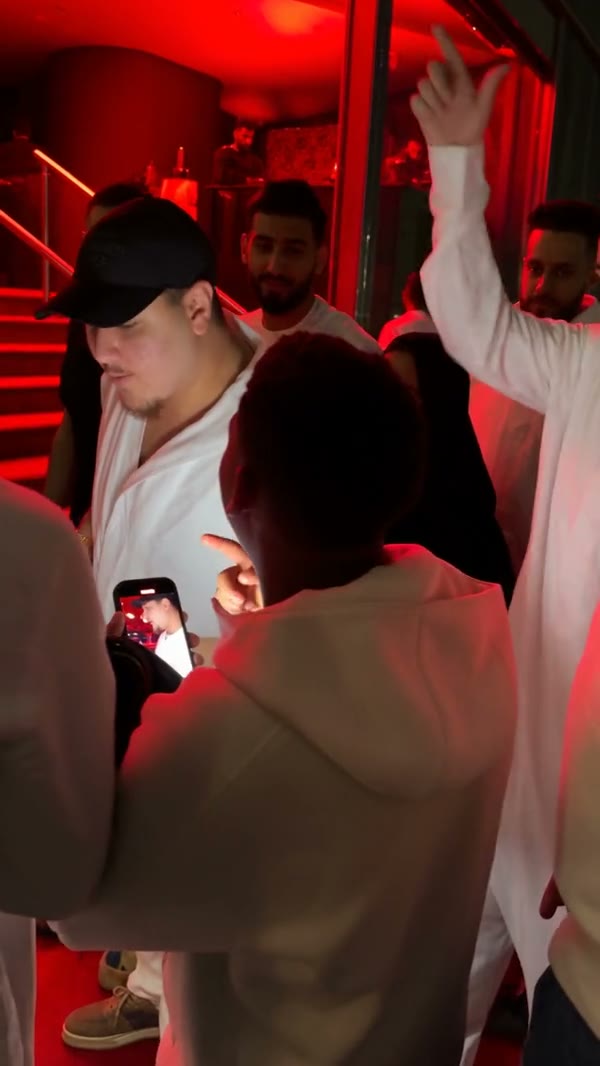
Bulin 47 AI places the character from your photo into the featured performance. The scene already has its beat: a crowded room, someone carrying a portable speaker, and the performer moving just behind them. Your image provides the new lead; the loaded clip provides the action. There is no dance to film and no cast to assemble. Pick the look you want, check the reference, and create a version that follows this exact performance. The speaker holder and everyone else are meant to stay as they are.

Make your first Bulin 47 AI video

  1. 01

    Pick the Bulin 47 AI performer

    Upload a clear photo of one person, showing enough of the head, shoulders and clothing to carry the look. The upload is assigned to the performer behind the speaker holder, so skip group shots where the intended person is unclear.

  2. 02

    Check the reference and settings

    Watch the loaded clip, open Settings and choose a resolution. Bulin 47 AI ships with its character-replacement prompt ready. Review the credit estimate before pressing Generate — picking a file alone never starts a paid request.

  3. 03

    Review your Bulin 47 AI result

    When the job is done, open My creations and watch the whole video with sound. Check the face through turns and blocked moments, then download the take you like. Your video history is another way back to saved results.

What you can make with Bulin 47 AI

How Bulin 47 AI uses your look

A familiar performance feels completely different with a new outfit or silhouette in the lead. Bulin 47 AI treats your photo as the appearance reference — visible hair, skin tone, clothing and accessories. A picture that shows the shirt and upper body you want gives the edit far more to work with than a tight face crop.

Pick a photo whose details you actually want to see. Bulin 47 AI cannot reliably rebuild a jacket that sits outside the frame, and small lettering or jewelry can shift. A simple, well-lit portrait with distinctive clothing is a practical start for a personal remix or a fictional character.
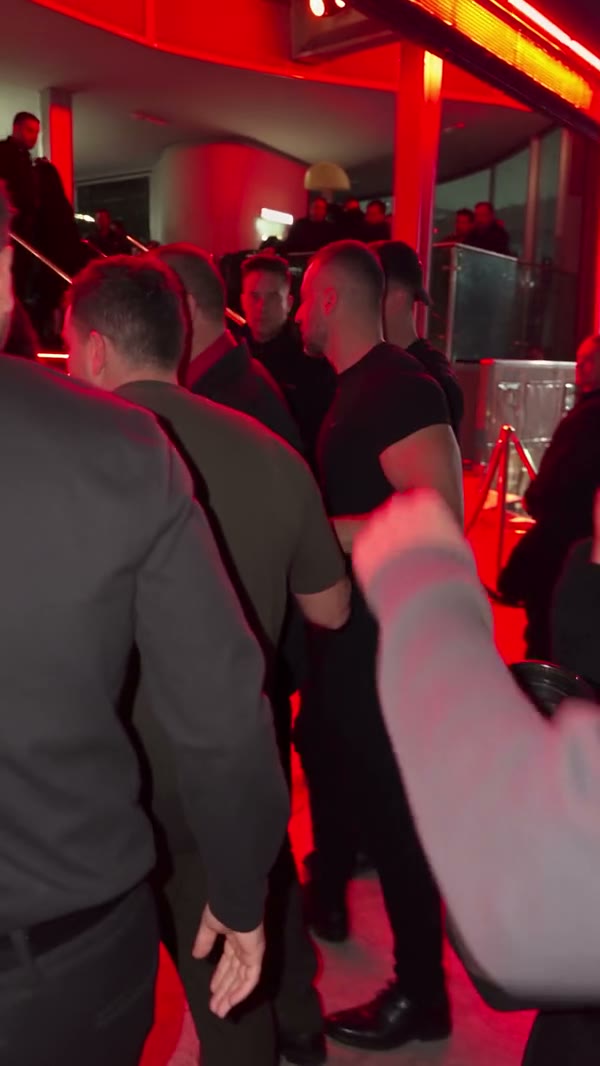
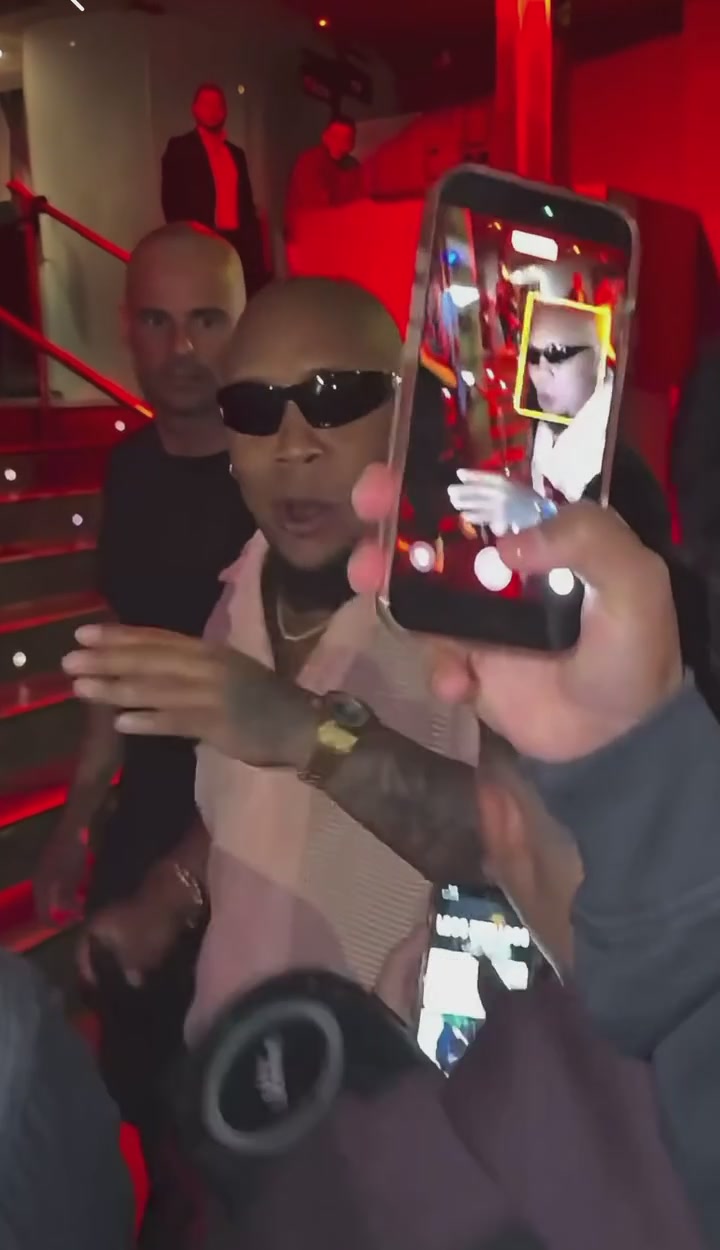
The speaker holder keeps their role

The person in front carrying the portable speaker belongs to the scene; they are not an extra upload slot. Bulin 47 AI targets the performer behind them, and the prepared instructions ask the edit to keep the speaker holder, their speaker and the crowd while only the lead changes.

That means you only need the new performer's appearance. A collage of friends will not turn Bulin 47 AI into a multi-person casting tool. Busy frames can still change a nearby face or hand by accident, so review the people around the lead as carefully as the lead.

How Bulin 47 AI uses your look

The movement behind Bulin 47 AI

Your still does not need to show the gesture. The reference already carries the body movement, posture shifts and timing, and Bulin 47 AI maps your character onto that sequence — so a relaxed standing portrait often works better than a blurry screenshot of someone imitating the dance.

Clothing and expression can give your character a different mood, but the underlying performance stays fixed. Bulin 47 AI is ideal for exploring who stands in this scene. For a new setting, another camera move or a different story, use the AI Video Generator instead.

Watch the moments the face disappears

The camera never gives a clean portrait for the whole clip. Turns, nearby people and a phone crossing the view make identity continuity crucial. In Bulin 47 AI the character should look the same when the face returns, with consistent hair and clothing across each interruption.

Check those transitions before sharing — a convincing first frame says little about the full result. Fast motion can still produce shifting features, odd fingers or inconsistent accessories. Review the opening, the blocked moments and the final pose rather than judging one good thumbnail.

The movement behind Bulin 47 AI

The original Bulin 47 AI soundtrack

Bulin 47 AI pairs the edited picture with the sound from the loaded reference. No second audio file is needed to match the timing, and the model is not asked to invent music — picture and audio are treated as one finished scene.

It does not create a new recording of your character speaking or singing. Bulin 47 AI follows the visible mouth movement in the footage, and perfect lip sync is not guaranteed. Listen while reviewing, especially at the start and end. Using the template grants no extra rights to distribute its soundtrack.

Bulin 47 AI character ideas

Use a portrait of yourself, a friend who agrees, or a character image you are allowed to edit. Bulin 47 AI is great for a playful intro, a group-chat reaction or a costume idea without restaging the performance. Each attempt gives one interpretation of your photo in this scene.

To compare outfits, prepare the alternative look first and submit it separately — one upload does not produce a wardrobe set. Keep framing similar between attempts so you are comparing the clothing or identity, not every input at once. Results can vary even with similar inputs.

The original Bulin 47 AI soundtrack

Clarity before resolution

A higher output setting cannot replace a useful source portrait. For Bulin 47 AI, start with a photo where the main face is sharp and large enough to inspect, the light is even, and nobody covers key features. Avoid letting a heavy filter define the identity.

Then choose a resolution in Settings. Bulin 47 AI follows the loaded clip's shape and length, so there is no separate duration control, and the Generate estimate reflects your exact request. If the image needs fixing, use the AI Image Generator or pick another photo before spending credits.

A focused template with a clear goal

Bulin 47 AI is built around one replacement role. The room, crowd, performance and camera all come from the reference, which keeps your creative decision on the lead. Trying to swap the whole environment through a custom prompt can fight the prepared instructions and weaken the result.

Keep the default prompt for your first Bulin 47 AI try. If you edit it later, keep the one-photo assignment and describe one specific, limited change. Saved results can be reopened without generating again, so only submit a new request when you genuinely want to change an input or setting.

Clarity before resolution

Bulin 47 AI: your questions answered

How many photos does Bulin 47 AI take?

One character role, one photo. Use an image of the single intended performer rather than a group collage. The speaker holder and the crowd do not need reference portraits.

Who changes in a Bulin 47 AI video?

The target is the performer behind the person with the speaker — in the source, the one in sunglasses and an open light-pink shirt. Everyone else should keep their look, but close interactions can still cause unintended changes, so review the result.

Can Bulin 47 AI change the outfit as well?

Yes — your photo supplies the character's visible appearance, clothing included. Use a portrait that shows the outfit you want. Hidden areas are inferred, and fine patterns, accessories or lettering may not hold exactly through the motion.

Do I need to record a dance for Bulin 47 AI?

No. The performance video is already loaded and supplies the movement; you only provide a still image. Uploading a new performance is outside this fixed template.

How long is the finished clip?

It follows the source performance — about 23 seconds, vertical. Length comes from the reference, not a selector. The encoded file may differ slightly in timing, so check the complete download.

Is the Bulin 47 AI soundtrack included?

Yes, the original reference sound is attached to the finished edit. It is not a newly generated voice for your character. Before publishing, make sure you have permission for the photo, footage and audio.

Can I write a custom Bulin 47 AI prompt?

Settings has a custom-prompt option. The prepared prompt is a strong default because it names the performer and the people to keep. If you edit it, keep that distinction and do not ask one photo to supply several unrelated identities.

Is Bulin 47 AI free to generate?

You can watch the reference and prepare your upload for free. Generating requires an account with enough credits for the displayed estimate. See Pricing for plans — a plan example for another model is not a quote for this performance.

Where do I find my finished video?

Open My creations in the workspace or your video history, then select the result to preview and download it. If a task is still processing, follow its status instead of resubmitting the same idea.

What should I check before sharing Bulin 47 AI?

Look for identity changes after the phone crosses the camera, unexpected changes to the speaker holder, distorted hands and mismatched clothing — and listen to the sound. A clean first frame is only part of judging whether the whole performance is ready.

A new role in every scene

Choose your next AI trend

From solo performances to a full dance cast, find the scene for your next photo.

Put your character into Bulin 47 AI

Pick one strong portrait, keep the prepared performance and see how your character carries the scene. Check the settings and credit estimate before generating.

Try Bulin 47 AI